Article
How to Set Up a Welcome Message for New Members in a Telegram Group or Channel
How to set up Telegram's native Welcome Message for groups and channels, what I put in mine, how it compares with welcome bots, and the mistakes that make new members ignore it.
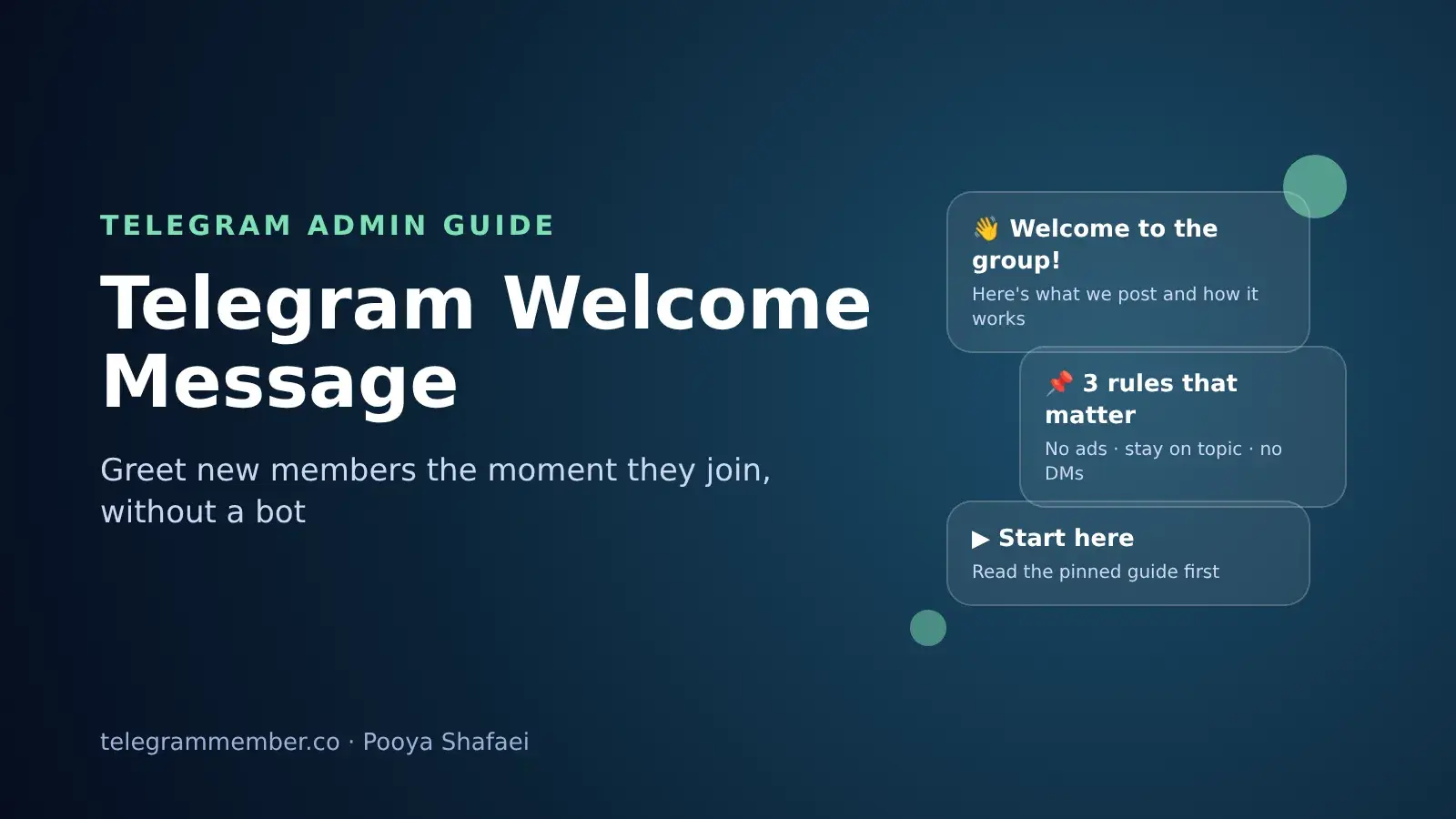
For years, the first thing every new member saw in my groups was the same line: "Ahmad joined the group." Then nothing. New people had to scroll up, guess the rules, and work out where the useful links were. Some never posted at all. I tried welcome bots, pinned messages and auto-replies, and none of them felt quite right.
In August 2026, Telegram added a native Welcome Message for groups and channels, and it fixed most of that. This guide covers what the feature does, how to set it up, what I put in mine, and how it compares with the welcome bots many admins still use.
What Is a Telegram Welcome Message?
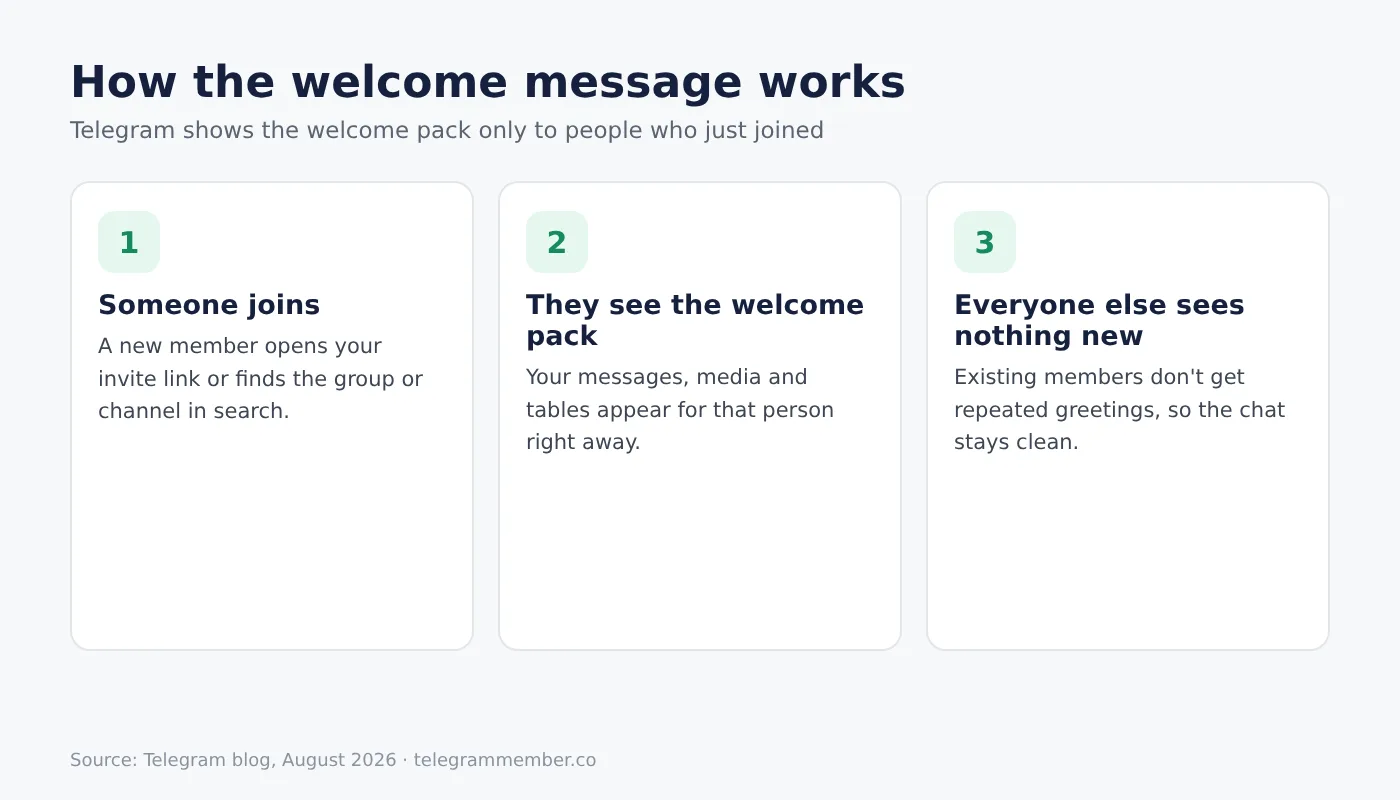
A Welcome Message is a short pack of messages that Telegram shows only to people who have just joined your group or channel. Existing members don't see it again, so it doesn't clutter the chat, and new members get the context they need the moment they arrive.
According to Telegram's August 2026 update, a welcome pack can include several messages and media, and it supports the rich text editor, including tables and inline media. You don't need a bot for any of it.
How to Set Up a Welcome Message
The setup is the same for groups and channels, and you need to be the owner or an admin who can change the chat's info.
Open the group or channel and tap its name to open the profile.
Tap Edit, then Welcome Message.
Send the messages you want new members to receive, exactly as you'd send them in a chat: text, photos, videos or files.
Save, then test it by joining from a second account or asking a friend to join.
Testing matters more than it sounds. The first welcome pack I made had a link preview that pushed the rules below the fold on a phone. I only noticed because I joined with a test account.
What to Put in Your Welcome Message
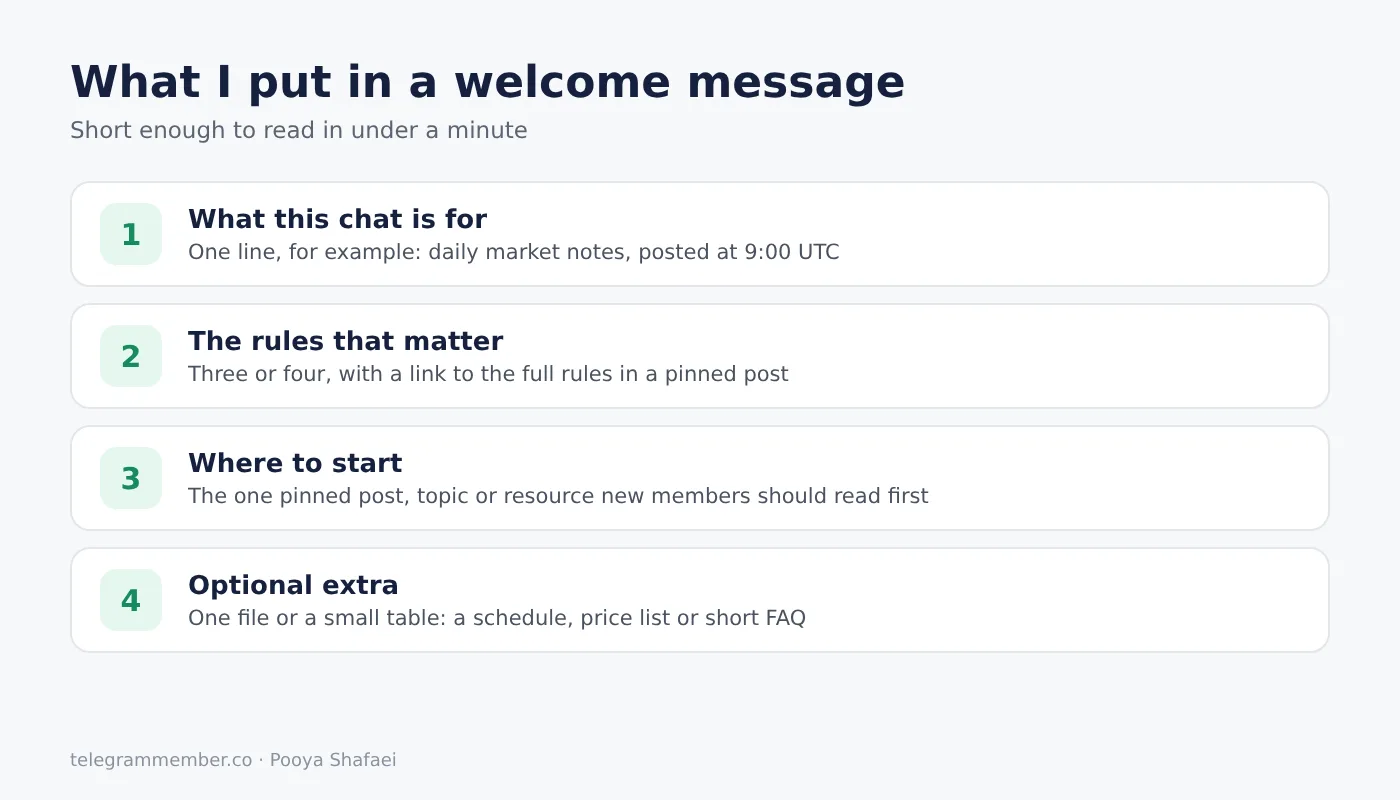
A welcome message works when it answers the three questions every new member has: where am I, what can I do here, and what shouldn't I do. Here is the structure I use:
One line on what the group or channel is for. Not a paragraph. "Daily crypto market notes, posted at 9:00 UTC" tells people more than a long introduction.
The three or four rules that actually matter. No ads, stay on topic, no private messages to members. Long rule lists don't get read.
Where to start. A link to the most useful pinned post, a topic, or a resource.
One optional file or table. A price list, a schedule or a short FAQ. The rich text editor can turn this into a clean table instead of a wall of text.
Keep the whole pack short enough to read in under a minute. If new members have to scroll through five messages, they skip all of them.
Welcome Messages in Groups vs Channels
In a group, the welcome pack is mostly about behaviour: rules, how to ask questions, and what gets someone removed. It's also a quiet defence against spam, because it tells real members what normal behaviour looks like from day one. If spam is a bigger problem in your group, my guide on how to stop spam in Telegram groups covers the settings that do the heavy lifting.
In a channel, nobody can reply, so the welcome pack is about value: what the channel posts, how often, and which older posts are worth reading first. For a business channel, it's also the natural place for your contact details or main offer. If you're setting up a channel for a brand, my notes on creating a Telegram channel for business pair well with this.
Native Welcome Message vs Welcome Bots
Before this feature, the usual way to greet new members was a bot that posted a message in the group whenever someone joined. Many admins still run one. Here is how the two compare from my experience:
Visibility. A bot's greeting is posted in the chat, so every existing member sees a stream of "Welcome, new member" messages. The native welcome pack is shown only to the new person.
Setup and risk. The native feature needs no bot, no admin rights for a third party and no developer who might stop maintaining it.
Flexibility. Bots can still do things the native feature doesn't, like mentioning the new member by name, asking them to pass a captcha, or deleting the greeting after a few minutes.
My current setup is the native welcome pack for information, and a bot only when I need a check at the door. If you do keep a bot, here is how to add a bot to a Telegram group with only the rights it needs.
When Many People Join at Once
Welcome messages matter most when a group or channel grows quickly, for example after a cross-promotion, an ad, or a member campaign. In those moments, dozens or hundreds of people arrive who don't know you yet, and the welcome pack is often the only thing they read before deciding whether to stay.
That's why I update the welcome message before any campaign, not after. Whether new people come from a shoutout or from a trial like our free Telegram members, the first message they see should tell them in one line why the chat is worth keeping.
Common Mistakes I See
Copying the full rules. Put the full rules in a pinned post and link to it. The welcome pack should only carry the essentials.
Outdated links. If the welcome message points to an old pinned post or a dead invite link, it's worse than having no welcome message at all. I check mine once a month.
Too many messages. Two or three short messages beat six long ones.
Selling first. A new member who hasn't seen a single post yet won't buy anything. Lead with value and keep the offer for later.
Final Thoughts
The native Welcome Message is one of the simplest Telegram features to set up, and one of the most useful for growing groups and channels. Keep it short, point new members to the one thing they should read first, and test it from a second account. If you're starting from zero, my guide on creating a Telegram group covers the other settings worth getting right before you invite anyone.
Frequently asked questions
How do I set a welcome message in a Telegram group?
Can I add a welcome message to a Telegram channel?
Do existing members see the welcome message?
Do I need a bot for Telegram welcome messages?
What should a Telegram welcome message include?
Can I use formatting and files in the welcome message?
Related articles

How to Grow a Telegram Channel for Free in 2026: Members, Views & Reactions
A realistic plan for growing a Telegram channel without paying: set-up, free members, views and reactions, and…
How to Set a Profile Picture on Telegram in 2026
Set, change, hide or delete your Telegram profile picture in 2026 — plus profile videos, emoji avatars, correc…

The Ultimate Way to Add Members to Your Telegram Group and Channel: Proven Strategies for Growing Your Community
Every way to add members to a Telegram group or channel: from contacts, by username, with invite links, and wh…

How to Delete Telegram Messages and Chat History: Complete Guide for iOS and All Devices

How to Easily and Quickly Forward Messages on Telegram?

How to Send Voice Messages on Telegram: The Complete Audio Communication Guide
Comments
No comments yet. Be the first to share your thoughts.