Article
How to Find and Join Telegram Groups and Channels in 2026
Every method I use in 2026 to find active Telegram groups and channels: Global Search, Similar Channels, the Channels tab, hashtags and t.me links. Plus how joining works for invite links, join requests, folders and Communities.

Most people search Telegram the way they search Google: type one broad word, scroll, and give up. I've been running Telegram channels and groups for years, and I still find most of the good communities I join somewhere other than the search bar. They come from the recommendation panels Telegram has added since 2023, from hashtags, and from links people share around the web.
In this guide I'll show you every method I actually use in 2026 to find Telegram groups and channels to join. That covers the built-in search, the newer discovery features, links from outside the app, and how joining works for public groups, private invite links, join requests, folder links and the new Communities. I'll also go through the checks I run before I join anything.
Quick answer: To find Telegram channels and groups, open Search and type a specific topic. Then check the Channels tab and the Similar Channels list on any channel you like. Tap hashtags to see matching posts from public channels. Outside the app, search for the topic together with "t.me". To join, tap Join on a public chat, or open the invite link an admin shared with you.
Groups vs Channels: Know What You're Looking For

Before you search, decide whether you want to talk or to read. The answer changes where you look and what you type.
A channel is a one-way feed. Admins post and subscribers read, react or comment if comments are on. According to the Telegram FAQ, a channel can have an unlimited number of subscribers. That's why news, deals and creator content usually live in channels.
A group is a shared chat where every member can write. Groups can hold up to 200,000 members. Large groups often switch on Topics, which split one group into separate threads, so a busy community stays readable.
From experience, if you want answers to questions, look for groups. If you want a steady stream of updates, look for channels. When I search, I often add the word "chat" or "community" for groups, and "news" or "updates" for channels. It filters the results faster than anything else.
How to Find Telegram Groups and Channels With Global Search
Global Search is still the starting point, and it works the same way on Android, iPhone, desktop and Telegram Web:
Open Telegram and tap the search field at the top of your chat list. On Android it's the magnifying glass icon.
Type a specific topic, a brand name or a username.
Look at the results under Global search. These are public Telegram groups and channels you haven't joined yet. Each shows its name, username and subscriber or member count.
Switch tabs to narrow the results. Telegram's search documentation lists separate tabs for Chats, Channels, Apps, Media, Links, Files, Music and Voice messages.
Tap a result to preview it. Public chats let you read recent messages before you press Join.
Three things make a big difference to the results:
Be specific. "Python jobs remote" returns far more useful chats than "python". Search looks at chat names, usernames and descriptions, so niche phrases match better.
Try usernames directly. If you know a brand, type it with an @ in front, for example @brandname. Public usernames only use letters, numbers and underscores, and they aren't case-sensitive. So try simple variations like brand_news or brandofficial.
Search in other languages. Many active communities name themselves in their local language. If you're looking for regional groups, search in that language too.
One limit to remember: private groups and private channels never appear in search. The only way into those is an invite link.
Let Telegram Recommend Channels to You
The biggest change since older guides were written is that Telegram now recommends channels for you. I use these features more than plain search these days:
Similar Channels. Since the November 2023 update, joining a channel shows a list of similar public channels. You can also open that list from any channel's profile. Telegram picks them based on overlap in their subscriber bases, so one good channel usually leads to three or four more.
The Channels tab in Search. Since the April 2024 update, Search has a Channels tab. It shows the channels you follow plus recommended channels on similar topics.
Browsing from inside a channel. When you finish reading a channel, pull up to jump to your next unread channel. Once you've read everything, keep scrolling and Telegram shows recommended channels to browse.
My routine: I find one strong channel in my niche, join it, and then work through its Similar Channels list. That gets me to good sources faster than any keyword.
Use Hashtags and Public Posts to Find Active Channels
Searching posts instead of chat names is the best way I know to find channels that are active right now. A channel that posted about your topic this week beats one with a perfect name and nothing new.
Hashtags. Since the May 2024 update, tapping a hashtag in any chat also shows matching posts from large public channels in a Public Posts tab. Tap a post to open the channel that published it.
Public Post Search. In July 2025 Telegram added a Posts tab that searches posts across all public channels. It launched for Telegram Premium. Premium users get a number of free searches each day, and searches past that cost Telegram Stars.
Even without Premium, the hashtag route works for everyone. Try #yourtopic, then look at which channels keep showing up.
Where to Find Telegram Groups to Join Outside the App
Plenty of active communities never rank well in Telegram's own search. They grow through links. Here's where I look:
Google with "t.me". Search the topic plus t.me, for example
crypto news t.meor"t.me" photography group. This surfaces pages and posts that link directly to public chats.Official websites and social profiles. Brands, creators, apps and projects usually link their official channel or group on their site, in a social bio, or in a video description. A link from an official source is safer than a random list.
Forums and communities. Threads on Reddit and niche forums often name the groups people actually use, with an honest comment or two about quality.
Preview before you install anything. A public channel's address, t.me/username, opens a preview page in any browser. You can check its description and subscriber count before opening Telegram.
How to Join a Telegram Group or Channel
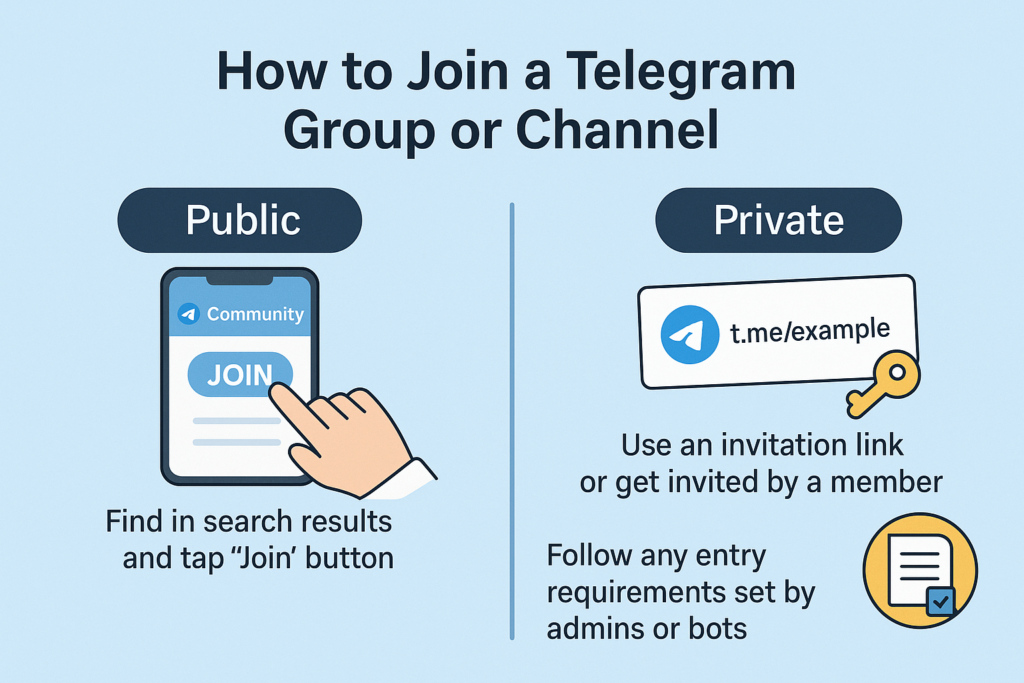
How you join depends on what kind of link or chat you have. These are all the cases you'll run into:
What you have | What it looks like | How to join |
|---|---|---|
A public group or channel | t.me/username or @username | Open it from search or the link, then tap Join. For channels it may say Join Channel or Subscribe. |
A private invite link | t.me/+ followed by a code (older links use t.me/joinchat/) | Open the link. Telegram shows the chat's name and member count. Tap Join. |
A link that needs approval | A normal invite link with join requests turned on | Tap Request to Join. You get in once an admin or the group's bot approves you. |
A shared folder link | An invite to add a chat folder | Accept the folder preview and you join every chat in it at once (Shareable Chat Folders). |
A chat inside a Community | Listed under the Community in your chat list | Tap any visible chat in the Community and join it, no separate invite link needed. |
A few things that trip people up:
The link doesn't work. Admins can set invite links to expire or to stop after a set number of uses, and a revoked link stops working immediately. Ask the admin for a fresh one.
You see "Request to Join" and nothing happens. Some groups use a bot that asks you to accept the rules or answer a question first. Check your chats for a message from that bot.
You hit the join limit. Telegram caps how many channels and large groups one account can join. Telegram Premium raises that cap to 1,000. If you're near it, leave chats you no longer read before adding new ones.
Telegram Communities: A New Way to Discover Connected Chats
In July 2026 Telegram launched Communities. A Community links several groups, channels and bots around one topic and shows them under a single item in your chat list. Once you're in, you can see the Community's other chats and join them without an invite link. Admins decide which chats are visible to everyone and which stay hidden.
For discovery, this means one good group can now open up a whole network of related chats. If a project you follow runs a Community, start there instead of hunting for each chat separately. I cover how Communities work, and how they compare to normal groups, in my complete guide to Telegram Communities.
How I Check a Telegram Group Before Joining
A big member count proves very little. Before I join anything, I spend about a minute on these checks:
Recent activity. Open the preview and scroll. Several posts or real conversations in the last few days is a good sign. Months of silence means the chat is dead, whatever the member count says.
Engagement compared with size. A channel with 200,000 subscribers and almost no views or reactions on recent posts usually doesn't have a real audience.
Description and pinned message. Good communities state their topic, rules and admins clearly. A vague description full of profit promises is a red flag.
Verification. A verification checkmark means Telegram approved the chat as the official account of that brand or person. It's not an endorsement of what they post. Third-party verification services use different icons shown before the chat name. Telegram explains both on its verification page.
How admins contact you. Real admins don't DM you first asking for login codes, payments or "verification fees". If someone does, leave and report them.
Using Directories and Third-Party Tools Safely
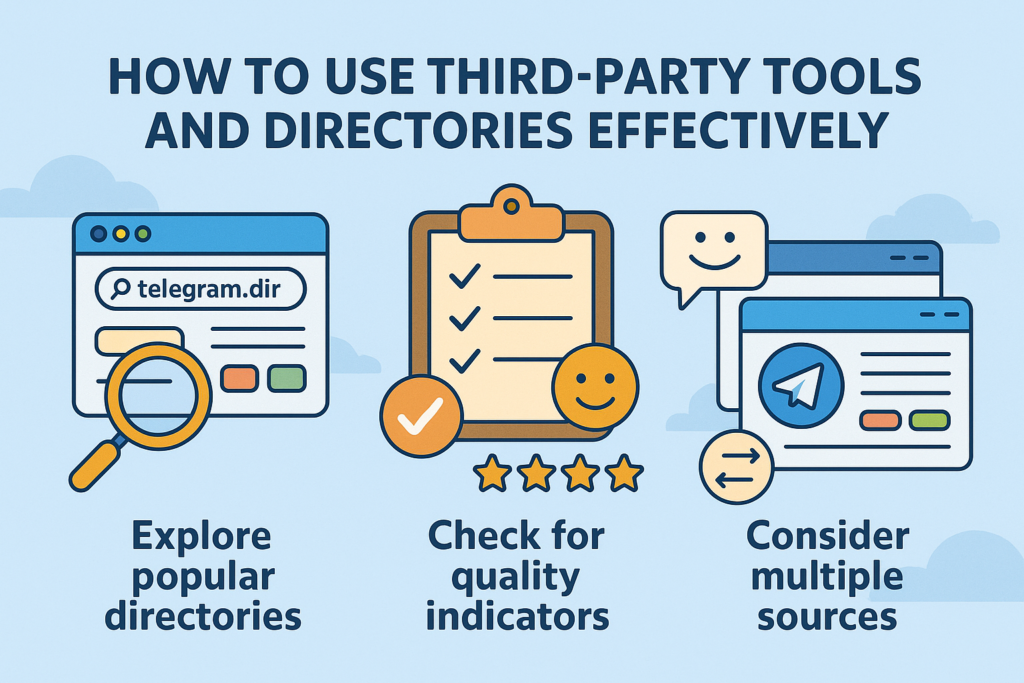
Websites and bots that list Telegram channels by category can be useful for browsing a niche. But they're independent services, not Telegram, and quality varies a lot. These are the rules I follow:
Prefer listings that show when a chat was last checked or last posted. Old lists are full of dead and renamed chats.
Compare two or three sources. If the same channel keeps appearing, it's usually worth a look.
Never log in to a directory site with your Telegram phone number and code. Browsing a list doesn't need your account.
Always open the chat preview and run the checks above before joining. A directory listing is not a quality check.
Keep Your Channels Organized After You Join
Finding channels is the easy part. Not drowning in them is harder. My setup is simple:
Chat folders. I group chats by purpose, for example Work, News and Learning. Telegram Premium allows up to 20 folders with up to 200 chats each. Folders are also how you share a whole set of chats with someone through one link.
Mute by default. I mute almost every channel and only leave notifications on for the two or three I need in real time.
Monthly cleanup. Once a month I leave anything I haven't opened in weeks. If someone removes a shared folder, Telegram even lets them leave all of its chats in one tap.
What Changed Since Older "How to Find Telegram Groups" Guides
If you're following an older tutorial, some of its advice no longer applies. Here's what has changed:
When | Change | What it means for finding chats |
|---|---|---|
Nov 2022 | Topics in groups | Big groups split into threads, so large communities are easier to follow. |
Apr 2023 | Shareable chat folders | One link can add a whole set of chats at once. |
Nov 2023 | Similar Channels | Every channel you join suggests related public channels. |
Apr 2024 | Channels tab and recommendations in Search | Search shows recommended channels, not just matches for your words. |
May 2024 | Global hashtag search | Hashtags pull up posts from large public channels. |
2024 | People Nearby removed | Tips about finding "groups nearby" no longer work. Telegram replaced it with Businesses Nearby. |
Jul 2025 | Public Post Search | Premium users can search posts across all public channels. |
Jul 2026 | Communities | Join connected chats inside a Community without separate invite links. |
Final Thoughts
The best way to find Telegram channels and groups in 2026 is to combine methods. Use specific searches to find your first good channel. Let Similar Channels and the Channels tab grow your list from there. Use hashtags to find out who is active right now. Use links from official websites to reach the communities that never show up in search. Then spend a minute checking each chat before you join. That one habit has saved me from more dead groups and scam channels than any tool.
FAQ
How do I find Telegram groups to join?
How do I join a Telegram group with a link?
Why can't I find a Telegram channel in search?
Can I find private Telegram groups?
What is the Channels tab in Telegram search?
How many Telegram channels and groups can I join?
What are Telegram Communities?
Related articles
How to Find, Copy and Share Your Telegram Profile Link
Find and copy your Telegram profile link on any device, share it without exposing your number, and fix it fast…

How to Add a Bot to a Telegram Group or Channel
How I add bots to Telegram groups and channels on Android, iPhone and desktop: the one-tap add links, which ad…

How can I get Telegram Member (For channel and group)?

The Ultimate Way to Add Members to Your Telegram Group and Channel: Proven Strategies for Growing Your Community
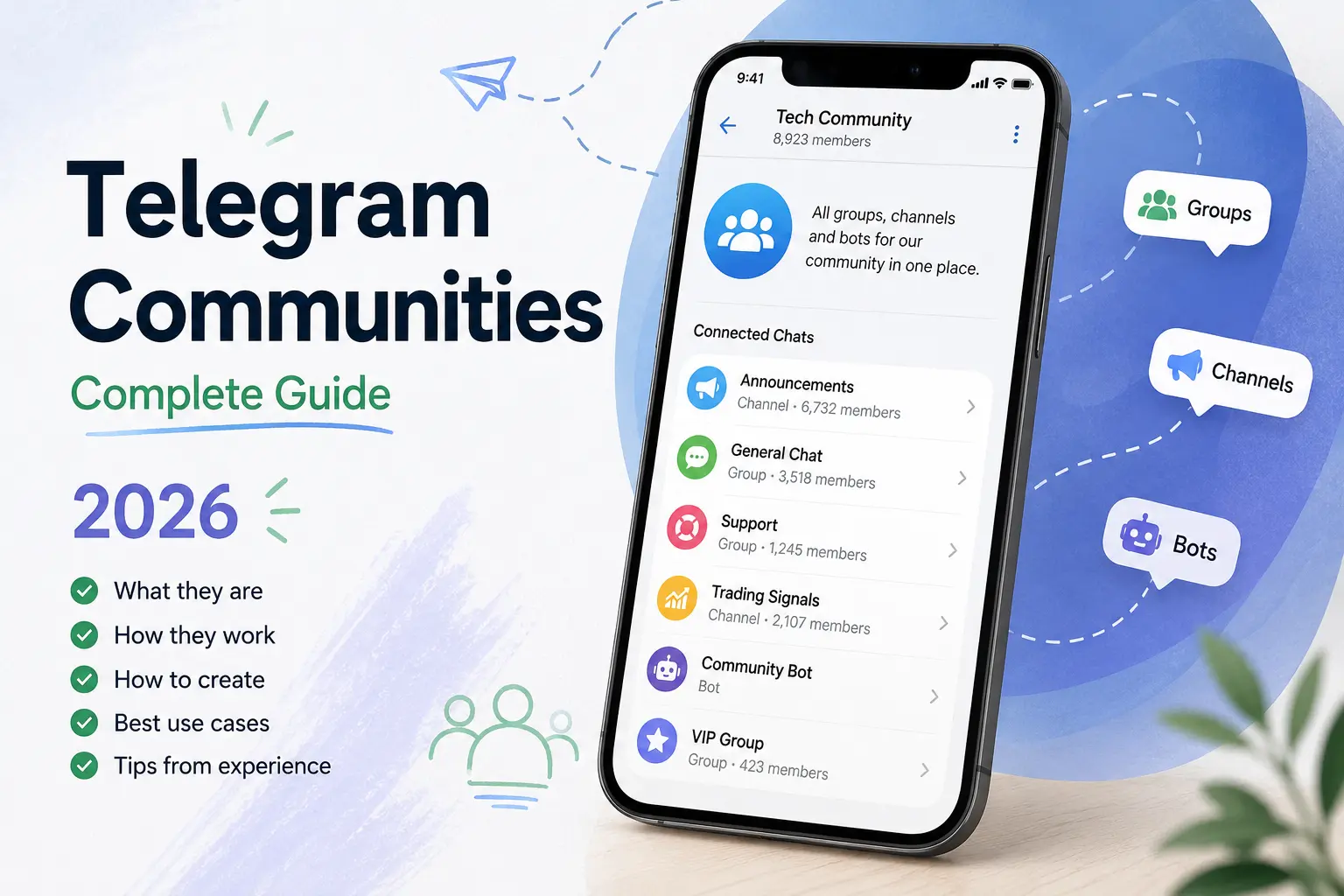
Telegram Communities: Complete Guide (2026)
Telegram Communities: Complete Guide (2026)

Add Members to Telegram Channel or Group Using Username – Easy Method
Comments
No comments yet. Be the first to share your thoughts.